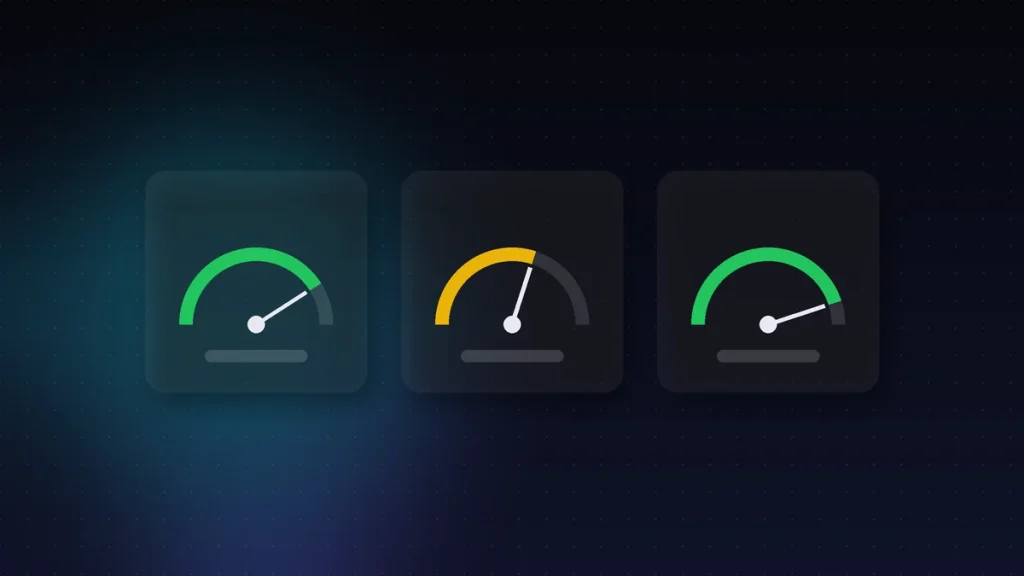
Technology Core Web Vitals are three metrics that measure how a real visitor experiences your website. Google uses them for ranking, and in 2026 43% of sites still fail one of them.
The three metrics, in one sentence each
LCP · under 2.5 s
How long the large element on the screen takes to render: the header photo, the banner or the main block of text.
INP · under 200 ms
How long the page takes to react when you click something: a button, a menu, submitting a form.
CLS · under 0.1
How much the page moves while it loads. It is the metric of the button that shifts just as you were about to press it.
All three are scored at the 75th percentile of real visitors. In other words, it is not enough for it to work well on your laptop: it has to work well for three out of every four people who visit.
Why Core Web Vitals matter
They measure what visitors notice: whether it loads quickly, whether it responds and whether it moves around. Google also uses them as a signal.
INP, the one most often failed
In March 2024 Google retired the old FID and replaced it with INP. The change was profound: FID only looked at the first interaction, while INP examines all of them in the session and keeps the worst.
That is why so many websites that used to pass now fail. A menu that takes half a second to open the third time no longer goes unnoticed. Under 200 ms is good; between 200 and 500 needs improvement; above 500 is poor.
Field data and lab data
This is where many people get lost, so it is worth being clear about it:
- Field data: real Chrome visitors, with their phones, networks and caches. This is what Google uses for ranking.
- Lab data: a controlled test, usually simulating a mid-range phone on slow 4G. It is useful for debugging because it is reproducible.
- A green lab report with red field data is perfectly possible, and it is the latter that counts.
- Field data takes weeks to reflect a change, so do not expect to see the fix the next day.
Core Web Vitals on mobile
Values are usually worse on mobile. That is why it is best to always look at that version first.
What is worth fixing
Not everything costs the same or pays off equally. In order of return, this is what most often solves the problem:
- Images. The right size, a modern format and declared dimensions. Fixes LCP and CLS at the same time.
- Third-party JavaScript. Every widget, chat or pixel you add competes for the same thread that responds to clicks; it is the usual cause of a bad INP.
- Fonts. Loading them badly causes the text jump that triggers CLS.
- The server. If it is slow to respond, no amount of page optimisation can make up for it.
The part that is not on the page
That last one deserves a paragraph of its own, because it is the most ignored. You can optimise the HTML down to the last byte and still be slow if the hosting responds late or is overloaded.
That is why we treat hosting and cloud for businesses as part of performance and not as a separate expense. And when the project grows, the infrastructure joins the same conversation.
Core Web Vitals and WordPress
In WordPress, plugins and the theme weigh a lot. So reviewing what loads on each page usually brings quick improvements.
How to measure it yourself
You do not need to hire anything to get started. Search Console has a Core Web Vitals report with field data from your own website, and it is free. Look there first, because it is exactly what the search engine sees.
If the report shows red, then it makes sense to use a lab tool to find the specific cause. But the diagnosis starts with real data, not with the simulation.
Core Web Vitals are not all of performance
It is worth saying, because some people confuse passing with being fast. Core Web Vitals measure three specific aspects of the experience, not a site’s overall speed.
A website can pass all three and still be heavy, or fail INP and be pleasant for most visitors. They are an indicator, and one Google uses to rank results, so they matter; but the end goal is for people to do what they came to do.
How often to check Core Web Vitals
After every major change and, in any case, every few months. In fact, a new plugin can make them worse.
Common mistakes when trying to pass
- Optimising with lab tools and never looking at the field data again, which is what counts.
- Compressing images until they look bad, when the problem was the server.
- Adding a caching layer on top of a site with ten third-party scripts, which will still be there.
- Measuring only the home page, when most visits come in through another page.
- Changing five things at once and not knowing afterwards which one worked.
The order that works is boring: measure, change one thing, wait for the field data to update and measure again. Core Web Vitals move slowly because they reflect real visitors over a period, not a one-off test.
In short
Core Web Vitals measure experience, not technology. They are three numbers, measured on real visitors, and they are almost always fixed by working on images, third-party scripts and the server, in that order.
Want to know where your website stands? We look at it in the free audit, along with everything else.
What to look at first if you are in a hurry
If you only have an afternoon, look at the Core Web Vitals report in Search Console and pick the metric that is red for the most pages. Then look for what those pages have in common.
They usually share a template, a huge image or a script that only loads there. Fixing that common cause usually moves the needle more than optimising ten pages separately, because the problem is almost never where you look first.
Core Web Vitals, summed up for your team
Loading, responsiveness and stability. If all three are green, the technical foundation is good.